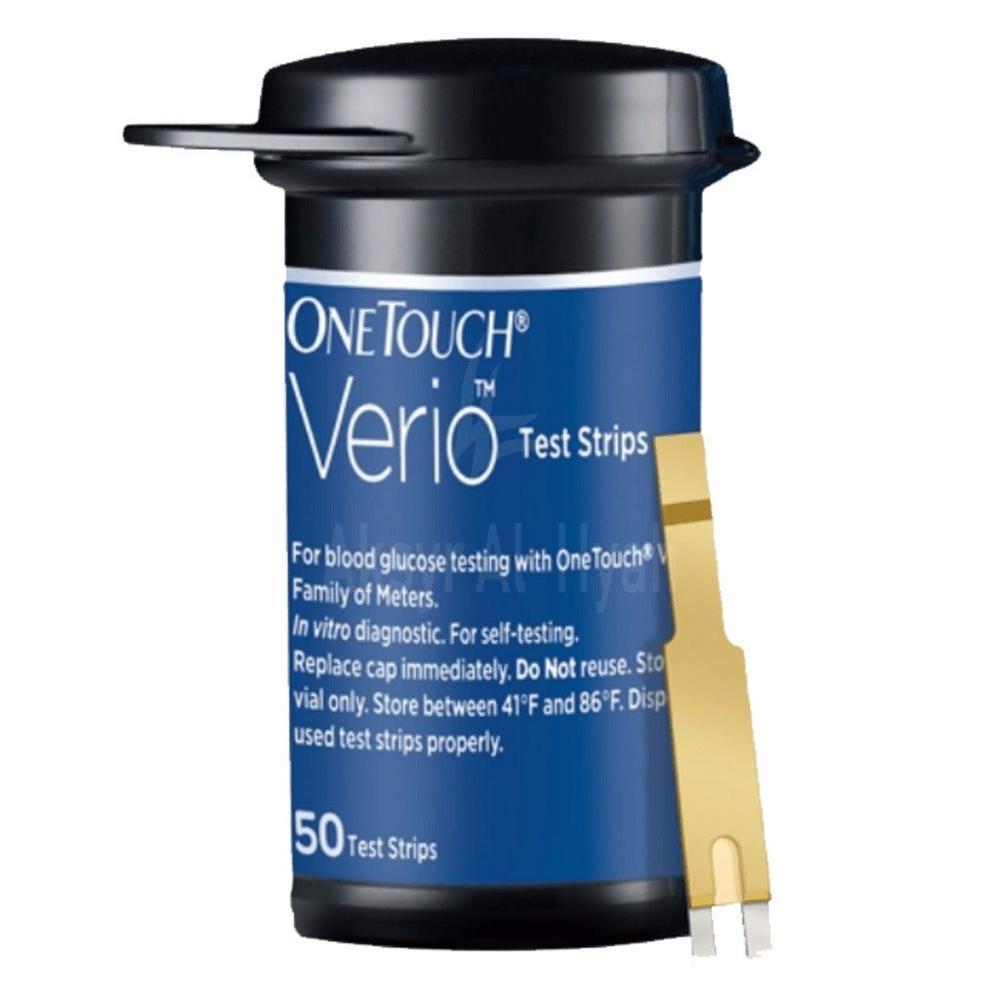


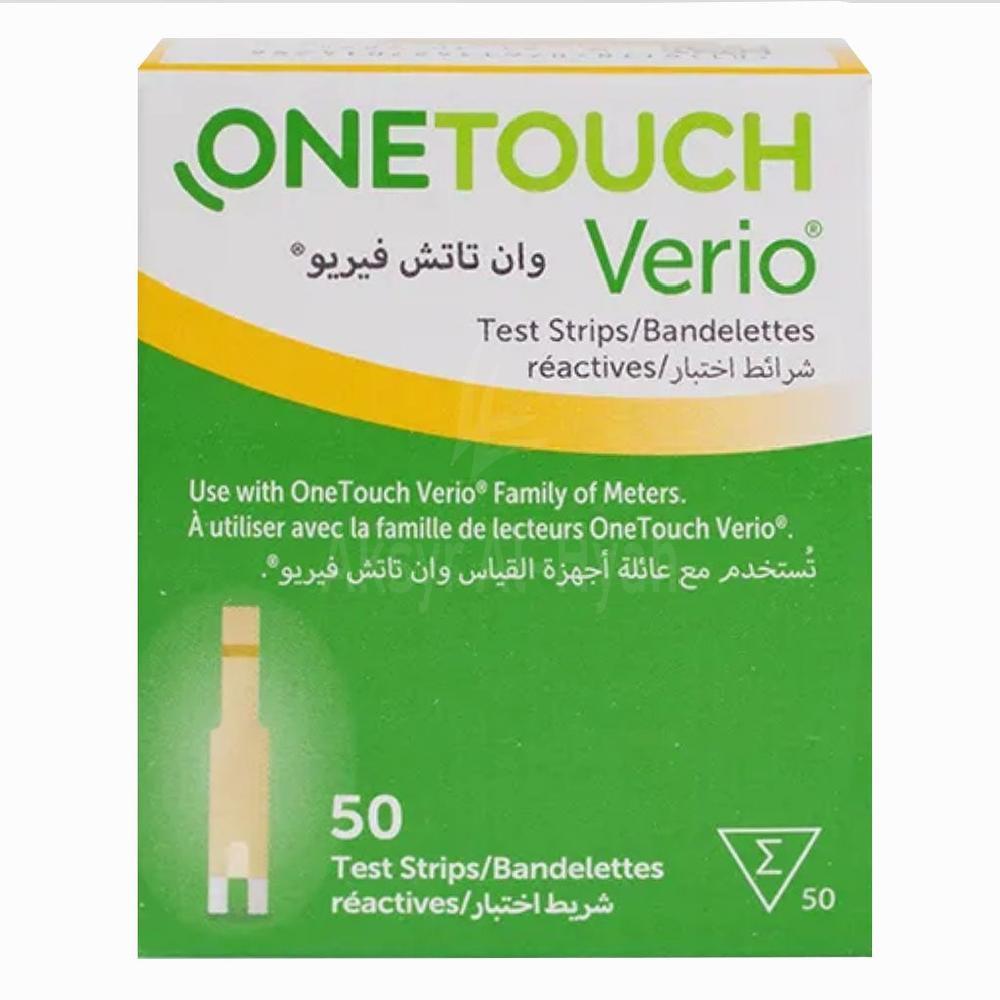
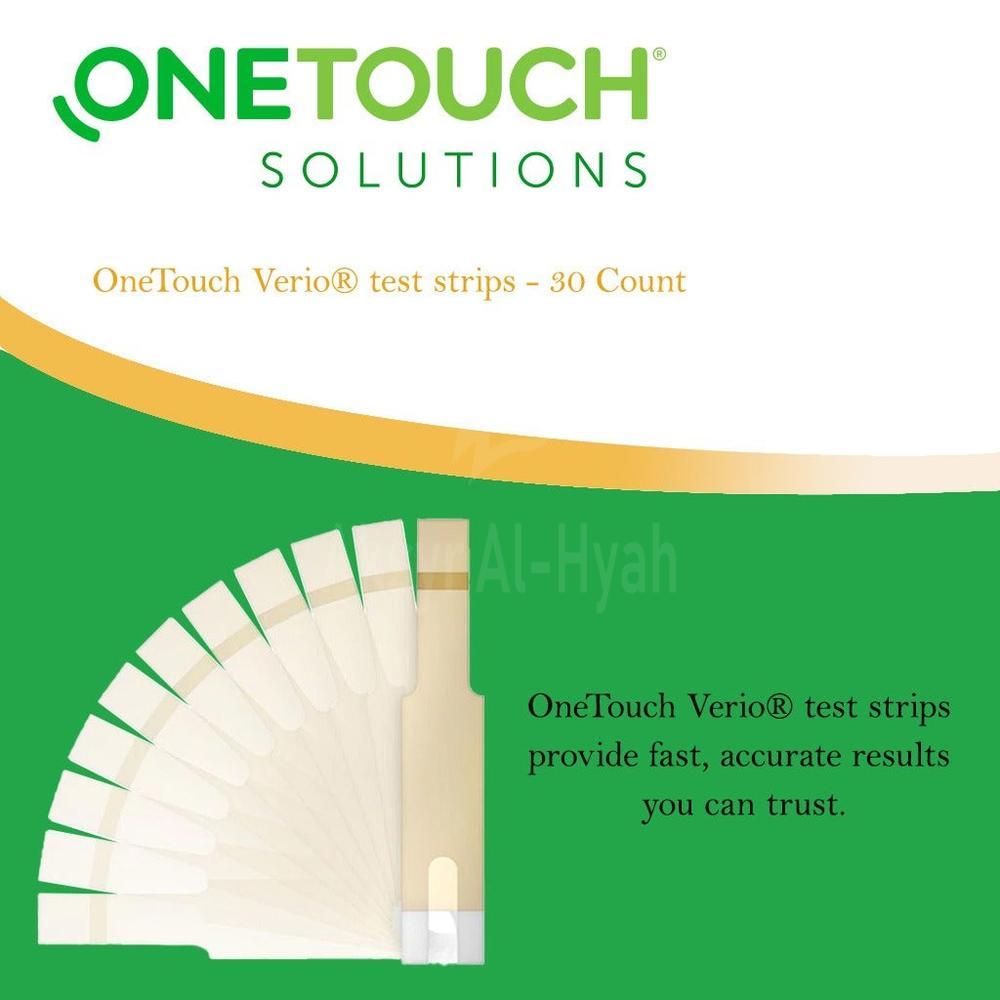

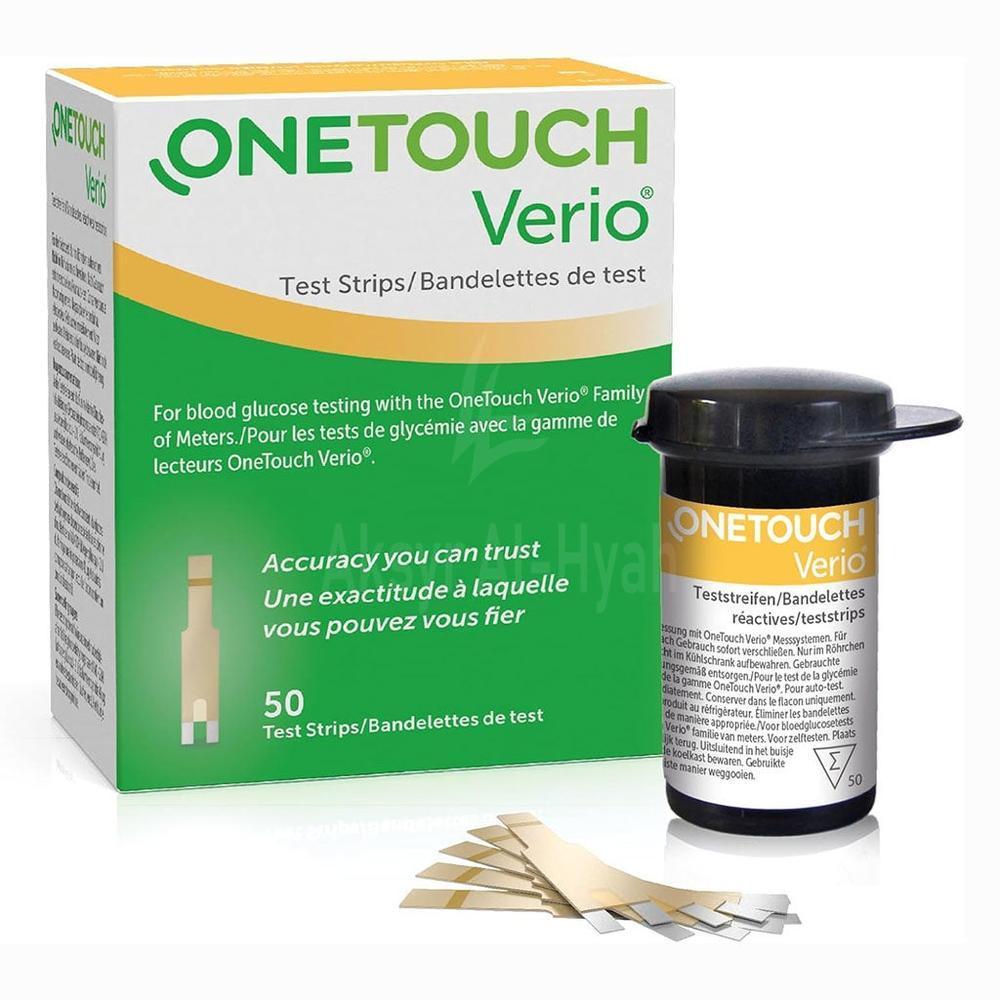
ONE TOUCH VERIO STRIPS 50'S
- QR 160.00
Available

- High-quality blood glucose test strip
- Provides quick and precise results that you can rely on with confidence
- Ensures accurate readings for measuring glucose levels
Prepare the Meter: Ensure your OneTouch Verio meter is powered on. Insert a Test Strip: Place a new test strip into the meter's test strip port with the gold side facing up and the two silver prongs facing you. Apply Blood Sample: Touch the edge of the test strip to the blood drop. The strip will automatically draw in the sample. Wait for Results: The meter will display your blood glucose reading within seconds.
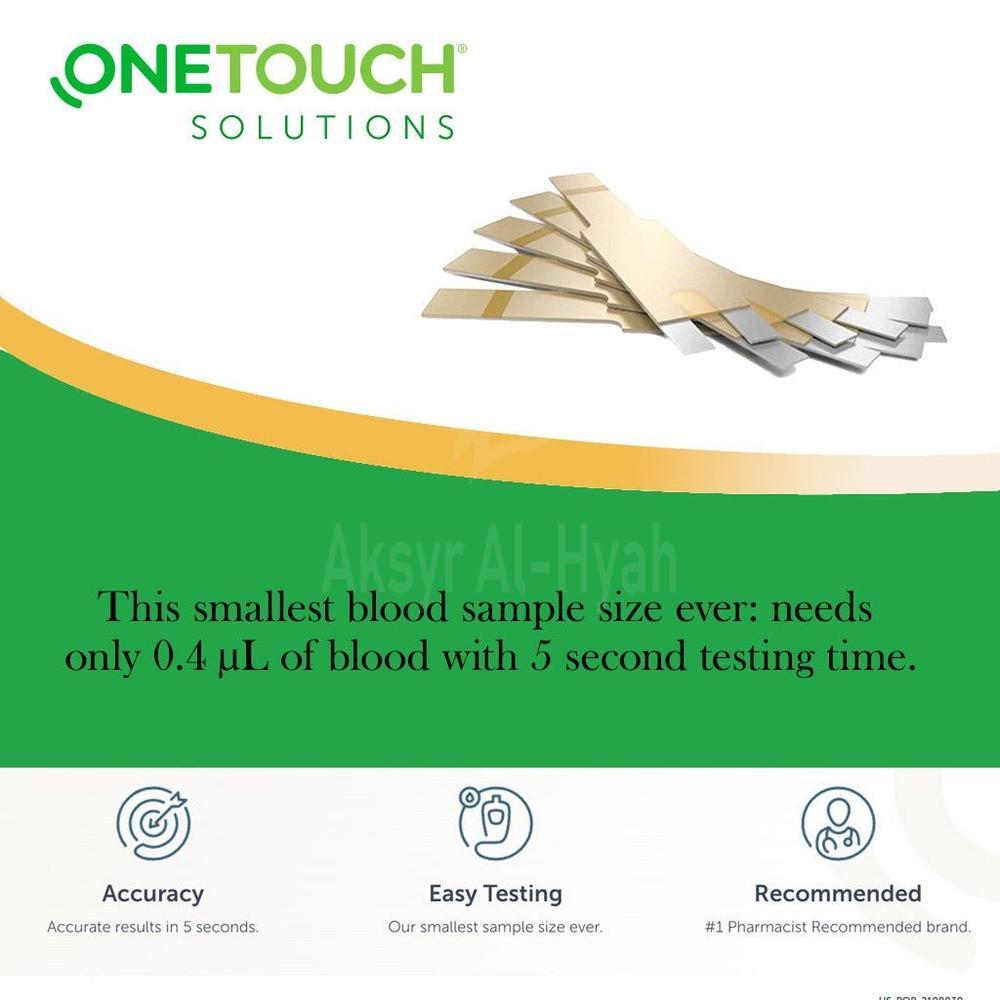
Brand: OneTouch Product Type: Blood Glucose Test Strips Quantity: 50 strips per vial Compatibility: OneTouch Verio family of meters Sample Size: Requires only 0.4 microliters of blood Result Time: Provides results in 5 seconds
Storage: Keep test strips in a cool, dry place between 5°C and 30°C. Handling: Do not open the test strip vial until you are ready to remove a test strip and perform a test. Use: Use each test strip immediately after removing it from the vial. Disposal: Dispose of used test strips properly; they are for single use only.
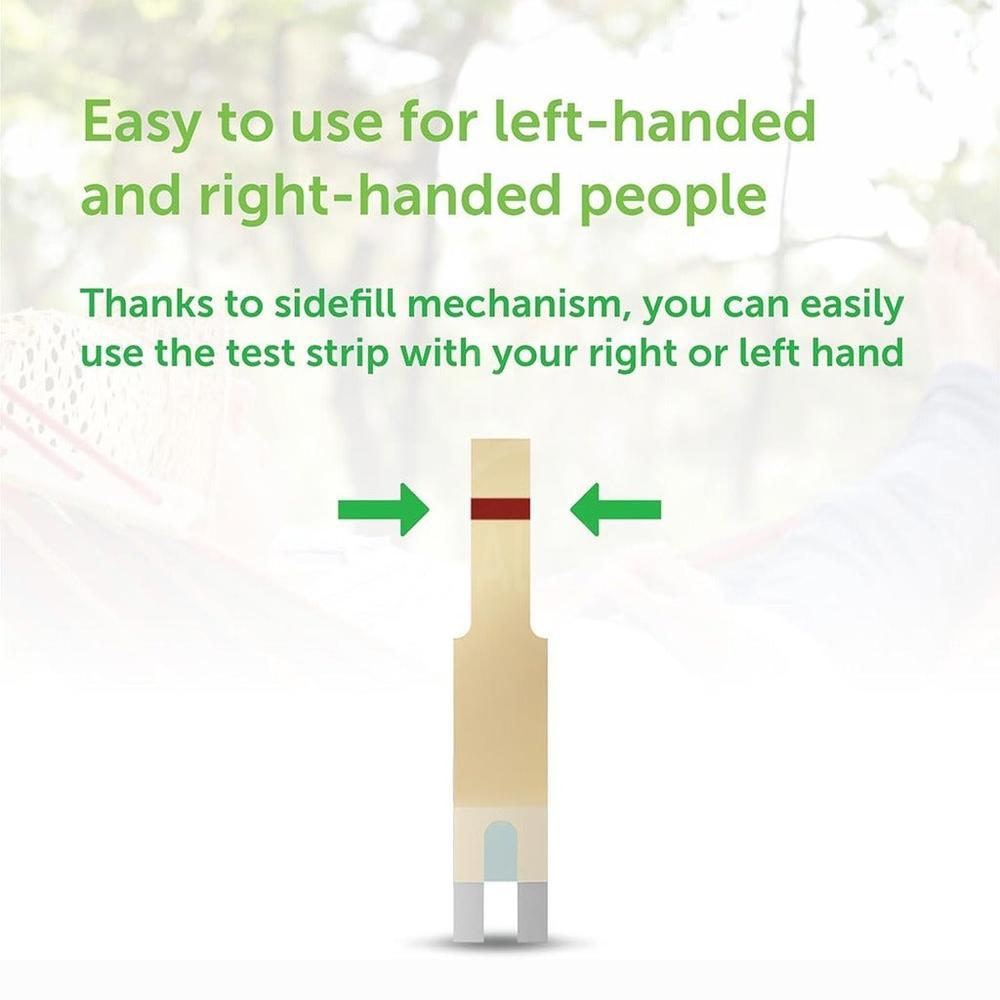
Minimal Blood Sample: Requires only a small blood sample, making the testing process less invasive. Quick Results: Delivers accurate readings in just 5 seconds. Ease of Use: No coding required, simplifying the testing procedure. Compatibility: Works seamlessly with the OneTouch Verio family of meters. Visual Confirmation: The visual confirmation window ensures you've applied enough blood for an accurate test.
Compatibility: These test strips are compatible with OneTouch Verio, OneTouch Verio IQ, and OneTouch VerioSync meters. No Coding Required: The strips are designed to work without the need for manual coding, simplifying the testing process. Visual Confirmation: A visual confirmation window makes it easy to see when you've applied enough blood.
The OneTouch Verio test strips utilize advanced technology to ensure accurate readings. They are designed to work seamlessly with OneTouch Verio meters, providing reliable results for blood glucose monitoring.
Know Your Product
One Touch Verio Strips are designed to be used in conjunction with the One Touch Verio line of blood glucose meters to accurately measure the glucose levels in a blood sample.
Send Alternative Request
You Might Also Like
Ratings & Review
Free Home Delivery
We are committed to providing a hassle-free shopping experience for you. Enjoy free home delivery on orders.
Instant Return Policy
Our Instant Return Policy allows you to return the product with full refund or exchange.
Quick Support System
We offer fast and responsive customer support to assist you with any queries or issues you might have.
Secure Payment Way
Shop with confidence using our Secure Payment Gateway. We offer multiple payment options.
100% Secured Payments with SSL Security

Copyright © 2025 Aksyr Al Hyah Pharmacy. All Rights Reserved.