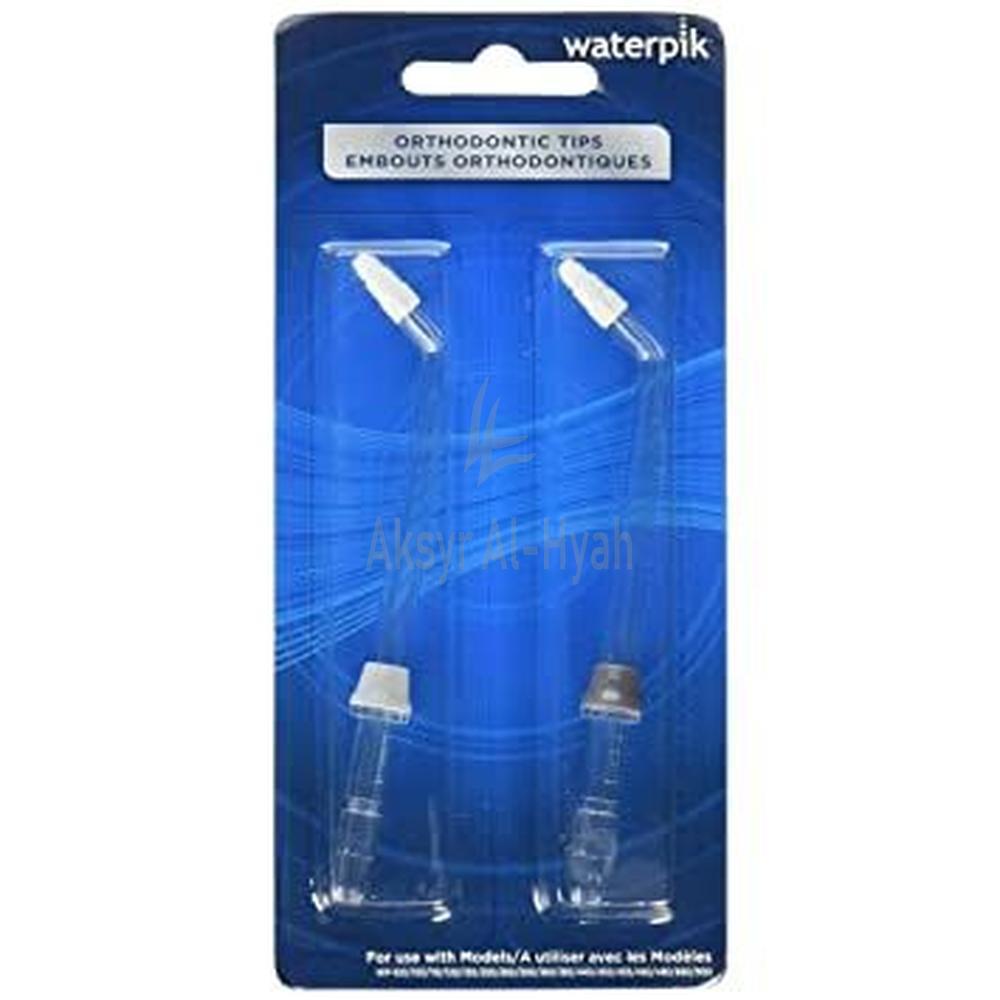
WATERPIK OD-100E ORTHODONTIC TIPS 2'S#13235
- QR 52.00
Available

The Waterpik Orthodontic Tips (2-Pack) are specially designed for cleaning around braces and other dental work. Featuring soft, tapered nylon bristles, these tips combine brushing and water pressure to remove plaque and debris in hard-to-reach areas, providing up to 3× better cleaning around braces than string floss alone. Compatible with most Waterpik Water Flossers.
Insert the Tip Press the tip firmly into the handle of your Waterpik Water Flosser until it clicks into place. Adjust Pressure (Optional) Choose a low to medium pressure setting to start. Adjust as needed for comfort and effectiveness. Position the Tip Place the soft, tapered bristles gently against the brackets, wires, or other orthodontic appliances. Activate the Flosser Turn on the unit and aim the tip at a 90-degree angle to the gumline and orthodontic device. Clean Each Tooth Area Glide the tip along the gumline and around brackets, pausing briefly between each tooth. Allow the water and brushing action to dislodge food particles and plaque. After Use Turn off the flosser, remove the tip, and rinse it thoroughly with warm water. Store in a clean, dry area.
Product Details Model: Waterpik Orthodontic Tip, OD‑100E Quantity: 2 tips (color‑coded, colors may vary) Weight per Tip: ~0.3 g (Item weight ~0.28 g) Material & Design Tip Design: Tapered nylon brush integrated with a water flow nozzle, designed for cleaning around braces, wires, and orthodontic appliances Brush Material: Flexible nylon bristles for gentle yet effective plaque removal
Use Only with Compatible Waterpik Models Ensure the tips are used only with compatible Waterpik water flossers (excluding WP-360, Sidekick™, Sonic-Fusion™, and Whitening series). Do Not Share Tips Each tip is for individual use only. Sharing may lead to cross-contamination and oral infections. Replace Tips Every 3 Months Worn-out bristles and nozzles may become less effective and less hygienic. Avoid High Pressure Settings at First Start with a low setting, especially if you’re new to water flossing or have sensitive gums. Increase pressure gradually as tolerated. Supervise Children If used by children under 12 or anyone with limited dexterity, adult supervision is recommended. Do Not Force the Tip Gently insert the tip into the handle. Forcing it may damage the unit or tip. Discontinue Use if Irritation Occurs If you experience gum pain, bleeding, or discomfort, stop using and consult your dentist. Clean After Each Use Rinse the tip thoroughly with warm water and store it in a clean, dry location to prevent bacterial buildup.
Superior Plaque Removal Clinically proven to remove up to 3× more plaque around braces and orthodontic appliances compared to brushing and string floss alone. Ideal for Braces and Dental Work Specifically designed to clean around brackets, wires, and other orthodontic fixtures where regular floss can’t reach. Gum Health Support Helps reduce gingivitis and inflammation by flushing out food debris and bacteria from between teeth and along the gumline. Built-In Tapered Brush Each tip features a gentle, flexible nylon brush that sweeps away stubborn plaque as water pressure rinses the area. Easy to Use Simply attach to a compatible Waterpik water flosser and guide around your braces—no manual flossing required. Gentle on Sensitive Gums The combination of soft bristles and pulsating water is ideal for sensitive gums, especially during orthodontic treatment. Improves Oral Hygiene Routine Makes flossing with braces more efficient and comfortable, encouraging better daily habits during orthodontic care.
\
Tapered Brush Tip: Each tip features a flexible nylon brush at its end, allowing it to gently sweep around brackets and wires to dislodge plaque and debris. Water Channel Attachment: The brush is integrated with a water flow nozzle, combining pulsating water pressure with gentle brushing for enhanced cleaning around orthodontic hardware
Know Your Product
The revolutionary tapered brush effectively eliminates hard-to-reach plaque in difficult areas around orthodontic brackets and wires. It aids in removing bacteria and food particles from the teeth and gum line.For optimal performance, it is recommended to replace the tapered brush every 3 months.Each package includes 2 colour-coded Water Flosser replacement tips (please note that the colour of the tips may vary).
Ingredients: …
Send Alternative Request
You Might Also Like
Ratings & Review
Free Home Delivery
We are committed to providing a hassle-free shopping experience for you. Enjoy free home delivery on orders.
Instant Return Policy
Our Instant Return Policy allows you to return the product with full refund or exchange.
Quick Support System
We offer fast and responsive customer support to assist you with any queries or issues you might have.
Secure Payment Way
Shop with confidence using our Secure Payment Gateway. We offer multiple payment options.
100% Secured Payments with SSL Security

Copyright © 2025 Aksyr Al Hyah Pharmacy. All Rights Reserved.